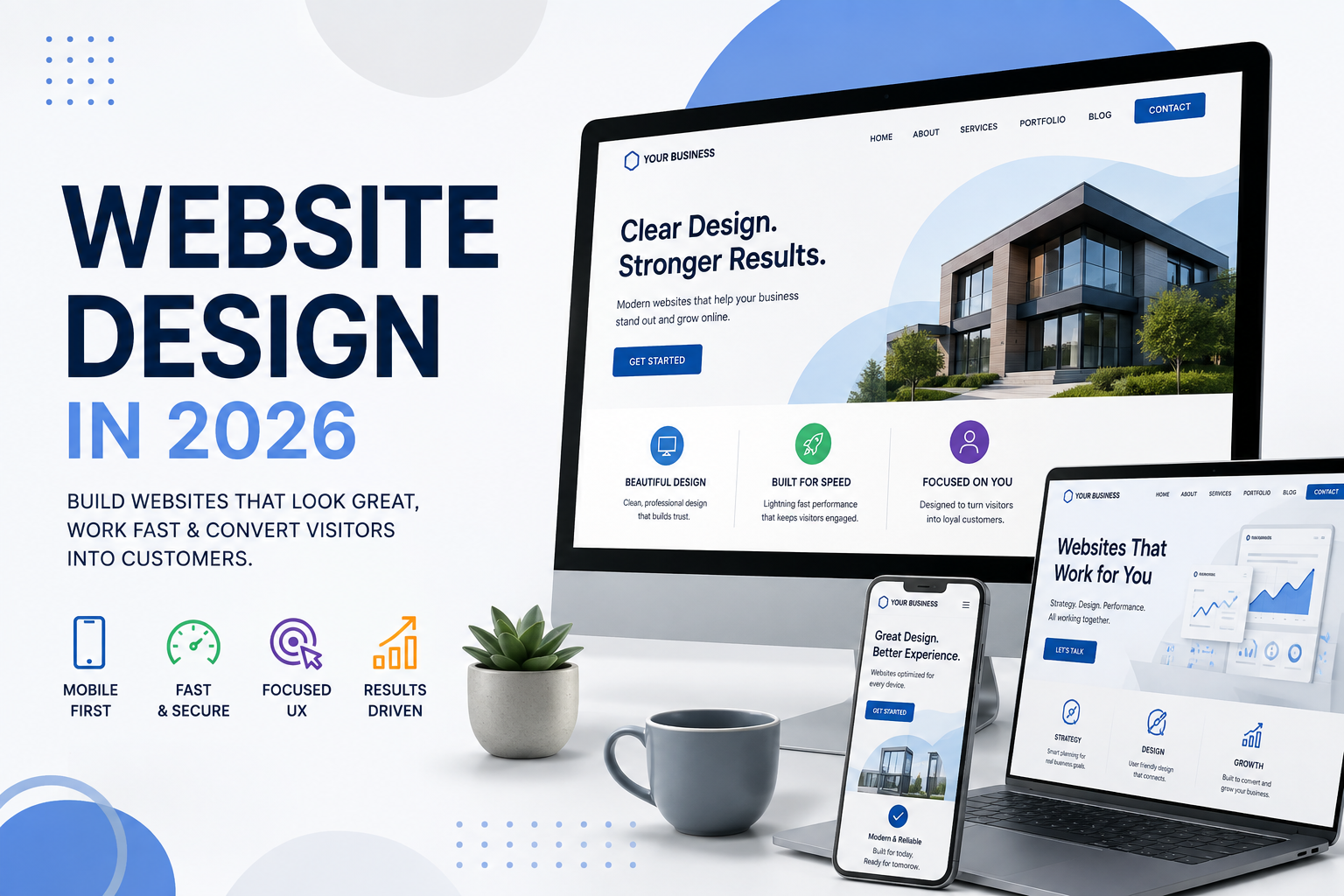
Your website has a job to do.
It isn’t there simply because every business is supposed to have one. And it isn’t there just to look impressive.
Your website should help potential customers understand your business, find what they’re looking for, trust what they see and take the next step.
That sounds simple. But website design has changed considerably.
People are increasingly impatient online. Most website visits happen on mobile devices. Search engines expect websites to provide a strong user experience. Accessibility matters. And customers may encounter your business through Google, social media, online reviews or even an AI generated answer before they ever reach your homepage.
So what does a good business website actually need in 2026?
Here are seven places to start.
1. Design for Mobile First
Having a website that works on a phone isn’t enough anymore.
Your website should be designed with the mobile experience in mind from the beginning.
Think about how someone actually uses a website on a phone. They’re scrolling with a thumb. They’re probably distracted. They don’t want to pinch and zoom. They don’t want tiny buttons. And they definitely don’t want to hunt through a complicated menu to find your phone number.
Text should be easy to read. Buttons should be easy to tap. Navigation should be simple. Forms shouldn’t require endless typing. Important information should appear quickly.
Then make sure the experience works just as well on a desktop, laptop or tablet.
Website Translation and Action Item: Open your website on your phone and try to complete the most important action a customer would take. Call the business. Find a service. Request a quote. Make a purchase. Find your location.
Was it easy?
If not, neither is your website.
2. Speed Matters
We’ve all experienced it.
You click a link.
You wait.
And wait.
Then you leave.
A slow website creates a poor first impression before a visitor has even seen what your business offers.
Large images, unnecessary scripts, outdated plugins, excessive animations and poorly configured hosting can all contribute to slow performance.
Website speed also becomes especially important on mobile devices and slower connections.
The solution isn’t necessarily removing everything interesting from your website. It’s building and maintaining the site intelligently.
A modern website can be visually impressive and fast.
Website Translation and Action Item: Test your most important pages using Google’s PageSpeed Insights. If your site performs poorly, find out why instead of simply accepting that your website is “a little slow.”
Your customers may not be nearly as patient.
3. Tell People What You Do Quickly
This is one of the simplest website improvements businesses can make.
Go to your homepage and pretend you know absolutely nothing about the company.
Within a few seconds, can you answer:
What does this company do?
Who do they do it for?
Why should I choose them?
What should I do next?
Businesses sometimes get so focused on clever headlines, impressive graphics and industry terminology that they forget the person visiting the website may know very little about them.
Clarity beats cleverness.
A visitor shouldn’t have to solve a puzzle to understand your business.
Website Translation and Action Item: Show your homepage to someone who isn’t familiar with your company. Give them five seconds to look at it.
Then ask them what your company does.
Their answer may tell you more than another month of debating your homepage headline.
4. Make Navigation Simple
More isn’t always better.
Businesses naturally want to put everything on their websites. Every service. Every product. Every department. Every document. Every announcement.
Over time, navigation menus can become digital junk drawers.
Good website navigation helps visitors quickly answer a basic question:
Where do I go next?
Group related information logically. Use terminology customers understand. Make your most important pages easy to reach.
And remember that not every page on your website deserves a spot in the main navigation.
Your website should reflect how customers look for information, not necessarily how your company is organized internally.
Website Translation and Action Item: Look at your main navigation. If someone visiting your site for the first time wouldn’t immediately understand what one of the choices means, reconsider the wording or whether it belongs there at all.
5. Give Visitors a Clear Next Step
What do you want someone to do after visiting your website?
Call?
Request a quote?
Schedule an appointment?
Purchase something?
Visit your location?
Complete a form?
Sign up?
A surprising number of websites provide plenty of information without making the next step obvious.
That’s where calls to action come in.
A good call to action doesn’t need to scream BUY NOW! from every corner of the page. It simply makes the logical next step easy to find.
Different pages may also require different actions. Someone reading an educational article may not be ready to buy. Someone looking at a specific service page may be much closer to making a decision.
Good website design accounts for both.
Website Translation and Action Item: Look at each major page and ask: What would I reasonably want someone to do after reading this?
Then make that action obvious and easy.
6. Build Trust
People are skeptical online, and they should be.
Before contacting an unfamiliar business, customers often look for signals that tell them they’re dealing with a legitimate, credible organization.
Your website should provide them.
That might include customer reviews and testimonials, recognizable clients, professional affiliations, certifications, awards, case studies, staff information, real photographs, a physical location, clear contact information or examples of your work.
Small details matter, too.
Broken links, outdated copyright dates, old staff information, blurry images and pages that haven’t been updated in years can quietly communicate the opposite message.
Stock photography has its place, but when possible, let people see the actual business and the actual people behind it.
Website Translation and Action Item: Ask yourself what evidence your website gives a skeptical visitor that your company is credible.
Don’t just tell people you’re good.
Show them why they should believe you.
7. Build a Website That Can Be Found and Understood
A great website isn’t particularly useful if nobody can find it.
Website design, SEO and content strategy shouldn’t operate as completely separate projects.
Your website needs a logical structure. Important products and services should have useful pages. Page titles and headings should clearly describe the content. Images should have appropriate alternative text. Internal links should help visitors and search engines understand how your content connects.
And the way people discover information continues to evolve.
Traditional Google searches aren’t disappearing, but people are also asking increasingly complex questions through AI search tools and assistants.
That makes clear, useful and properly structured content even more important.
Don’t create content just to satisfy an algorithm.
Create information that’s genuinely useful to the people you’re trying to reach, and structure your website so search engines and other technologies can understand it.
Website Translation and Action Item: Search for the products, services and questions that matter most to your customers.
Does your website contain pages that provide genuinely useful answers?
If not, that’s a content problem, not just an SEO problem.
A Few Things That Shouldn’t Be Optional
There are some website fundamentals that don’t necessarily make the list of “design trends” because they shouldn’t be trends at all.
Your website should be secure.
It should be accessible to as many people as reasonably possible.
Forms should work.
Contact information should be accurate.
Analytics and conversion tracking should be configured so you understand what visitors are actually doing.
Software, themes and plugins should be maintained.
And someone should periodically look at the website to make sure everything still works.
Websites aren’t billboards that you install and forget.
They’re working pieces of your business.
Good Website Design Isn’t About Looking Good
Of course your website should look professional.
Design matters. Branding matters. Photography matters. Typography, spacing, colors and visual consistency all contribute to how people perceive your business.
But looking good isn’t the final objective.
A beautiful website that confuses customers isn’t a good website.
A beautiful website that takes forever to load isn’t a good website.
A beautiful website nobody can find isn’t a good website.
And a beautiful website that generates no calls, leads, purchases or other meaningful actions probably isn’t doing much for your business.
The best websites combine design, technology, content and marketing strategy around the needs of the customer.
So if you’re evaluating your own website in 2026, don’t start by asking:
“Does our website look modern?”
Ask better questions.
Can people understand us?
Can they find what they need?
Do they trust us?
Can they use the site easily on any device?
Can search engines understand what we offer?
Do visitors know what to do next?
And ultimately:
Is our website helping our business accomplish something?
Your website isn’t there to impress people.
It’s there to help people.
Get that right, and good design has done its job.